
Video call games
Games to Play on Discord & Video Calls
- Discord
- Zoom
- Google Meet
- FaceTime
- Teams
- Free, in the browser. Nothing to install, no bot to add.
- Everyone plays on their own screen. The call is for the banter.
- Up to 20 players in one room.
How to play on a call
Three steps, then you’re playing.
- Start the callDiscord, Zoom, Google Meet, FaceTime or Teams — whatever your group uses.
- Create a room, paste the linkPick a nickname and an avatar, create a room, then drop the invite link in the call chat.
- Everyone joins on their own devicePhone or computer, any browser. No screen share needed.
Ready to play?
Start a free room in under a minute. No accounts, all browser.
The games
7 games that work on a call
1. Guess the Image Players: 1–20
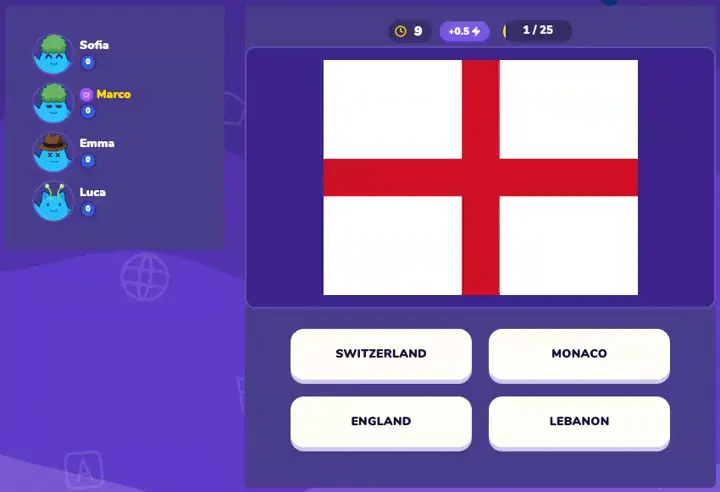
Everyone answers at once on their own screen — then argue about it out loud.
2. Drawit Players: 2–20
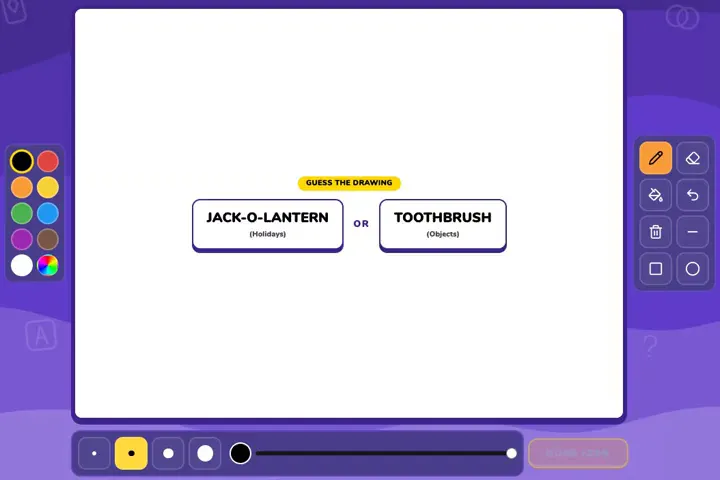
Everyone draws at the same time, then the room races to guess as drawings replay.
3. WordBits Players: 1–8
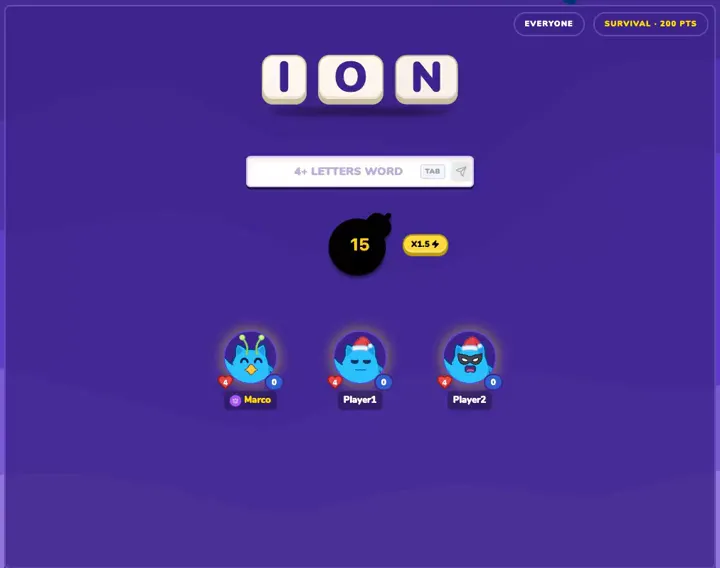
Short timed rounds: 3 letters, find a word. Easy to play while you chat.
4. Impostor Players: 3–8
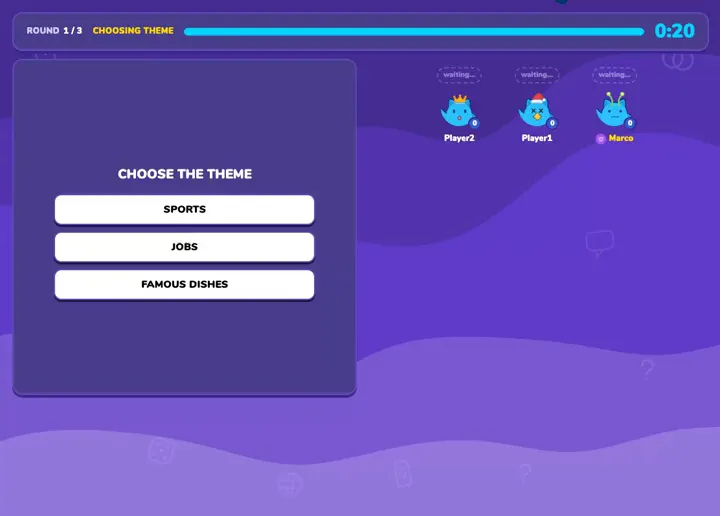
Clues go in the game; the call is where you accuse each other before the vote.
5. Emoji Unfusion Players: 1–20
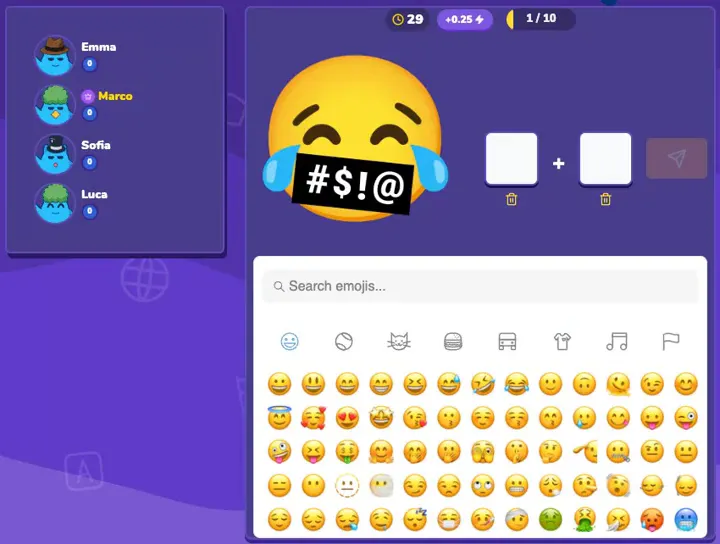
Quick emoji puzzles anyone gets instantly. A good warm-up for a big call.
6. Take Side Players: 2–8
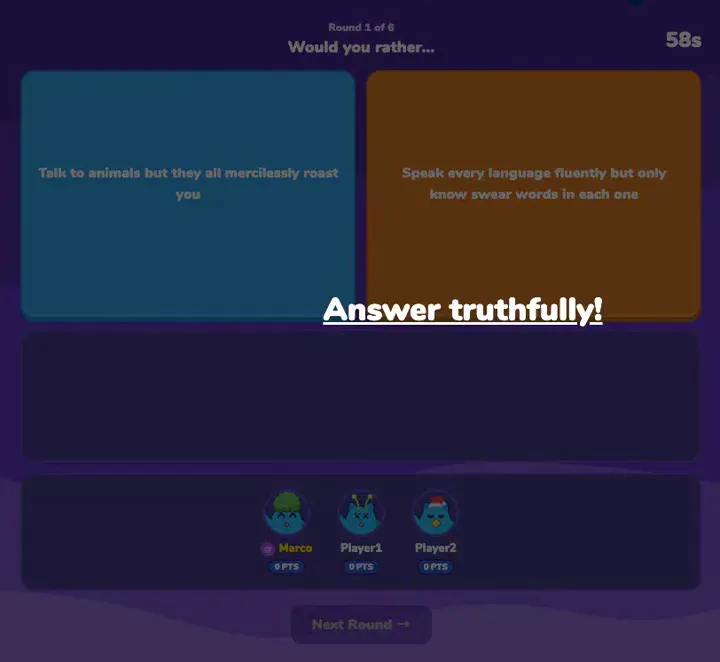
Pick a side on a would-you-rather prompt, then defend it on the call.
7. Hippo Players: 3–12
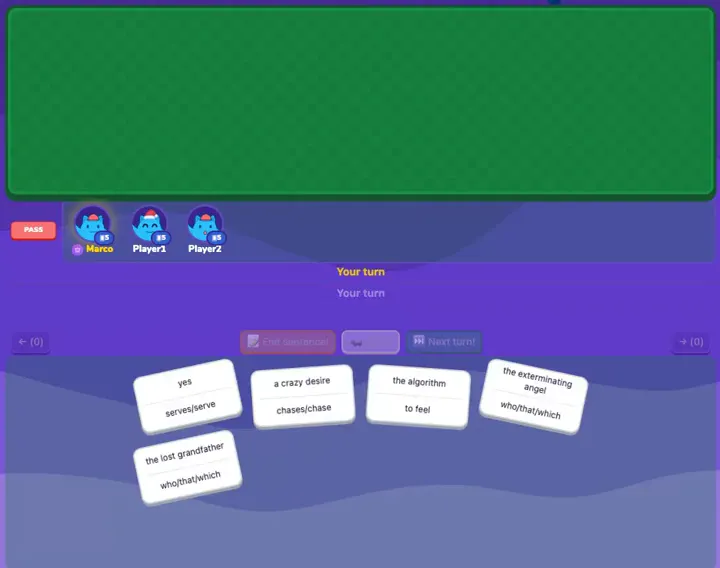
Build one ridiculous story together and call out the line that doesn’t fit.
Best picks
By group size
9–20 players
Questions
Is it free?
Yes. Every game is free, in the browser, with nothing to download.
Do my friends need an account?
No. Guests just pick a nickname and an avatar. Logging in with Discord or Twitch is optional.
Does it work on Discord mobile?
Yes. Tap the room link in the chat to open it in your browser, and stay in the voice channel while you play.
Do we need to share a screen?
No. Everyone sees the game on their own phone or computer. Screen sharing is optional.
How many players can join?
Up to 20 in a room (the host sets the room size in the lobby). Guess the Image, Drawit and Emoji Unfusion up to 20; Hippo up to 12; WordBits, Impostor and Take Side up to 8.
Got the call going?
Create a room and paste the link in the chat. Takes under a minute.